Appearance
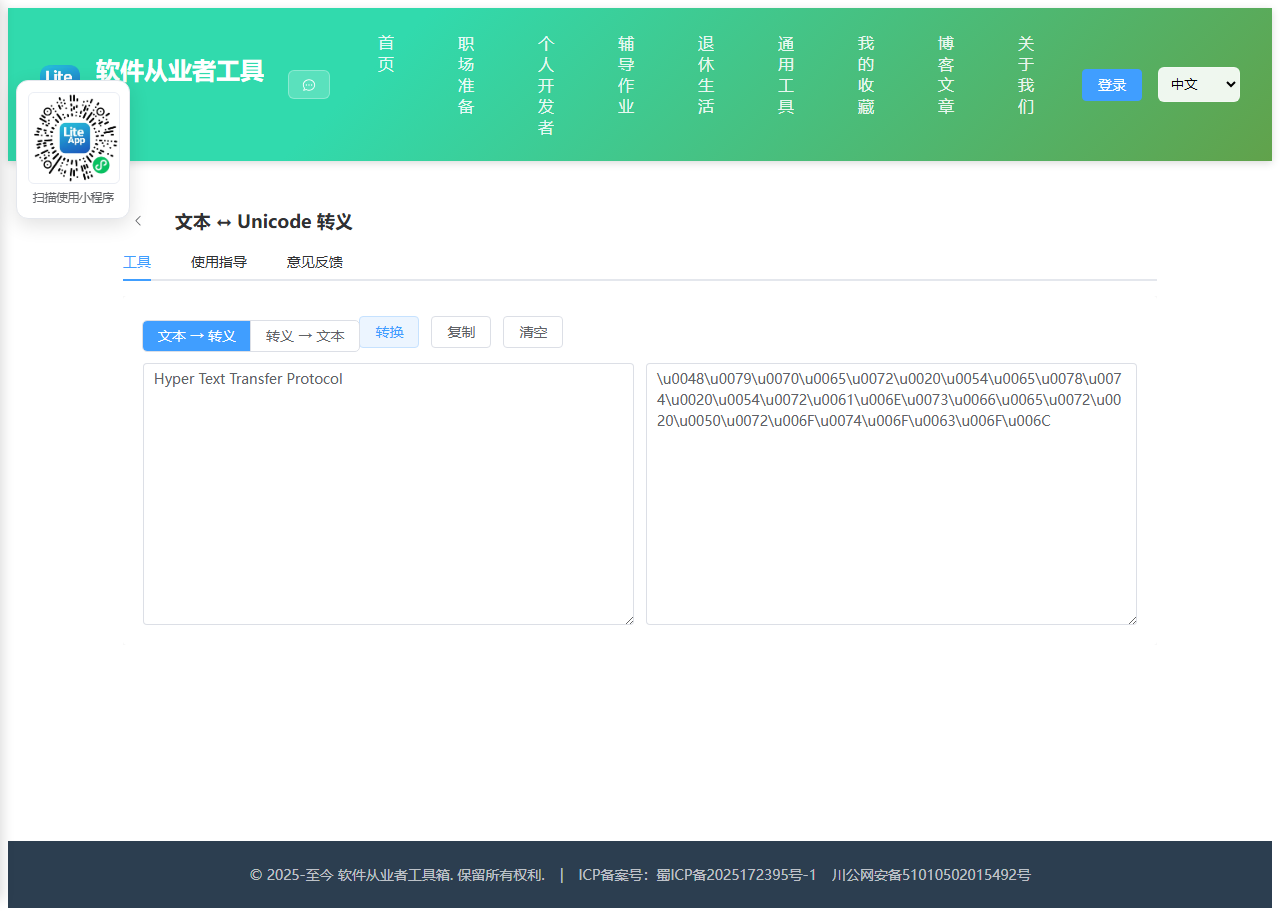
实现 Unicode 转义 工具
分类:developer | 标签:unicode、转义、编码 文本与 Unicode 转义序列互转
2.1 功能说明
文本与 Unicode 转义序列互转
2.1.1 使用指南
功能说明
文本与 \uXXXX / \u{...} 转义序列互转。
使用场景
源码中嵌入特殊字符、调试编码问题。
2.2 代码实现
2.2.1 组件结构
本工具是一个基于 Vue 3 <script setup> 语法的单文件组件(SFC),统一包裹在 ToolPageShell 组件内,由它提供页面标题、工具 ID、分类与「使用指南」插槽等通用外壳;核心业务逻辑(响应式状态、计算属性、事件处理函数)全部写在 <script setup> 中,输入/输出通过 el-input、el-button 等 Element Plus 组件与用户交互,所有数据均在浏览器本地处理,不会上传服务器。
2.2.2 核心逻辑概览
<script setup> 中定义的主要函数/方法:
run()copy()clear()
2.2.3 关键实现代码
以下是该工具的完整 <script setup> 实现(核心代码)。模板(<template>)与样式(<style>)已省略。
vue
import { ref } from 'vue'
import ToolPageShell from '@/components/ToolPageShell.vue'

const mode = ref('e')
const input = ref('')
const output = ref('')
const error = ref('')

function run() {
  error.value = output.value = ''
  const src = input.value
  if (!src) { error.value = '请输入内容'; return }
  try {
    if (mode.value === 'e') {
      let s = ''
      for (const ch of src) {
        const cp = ch.codePointAt(0)
        s += cp > 0xffff ? '\\u{' + cp.toString(16).toUpperCase() + '}' : '\\u' + cp.toString(16).padStart(4, '0').toUpperCase()
      }
      output.value = s
    } else {
      const m = src.match(/\\u\{[0-9a-fA-F]+\}|\\u[0-9a-fA-F]{4}/g)
      if (!m || m[0].length !== src.replace(/\s+/g, '').length) {
        // allow unescaped literal chars too
      }
      output.value = src.replace(/\\u\{([0-9a-fA-F]+)\}/g, (_, h) => String.fromCodePoint(parseInt(h, 16)))
        .replace(/\\u([0-9a-fA-F]{4})/g, (_, h) => String.fromCharCode(parseInt(h, 16)))
    }
  } catch (e) { error.value = '转换失败:' + e.message }
}
function copy() { if (output.value) navigator.clipboard?.writeText(output.value) }
function clear() { input.value = output.value = error.value = '' }
2.3 效果截图