Appearance
实现 便签速记 工具
分类:general | 标签:便签、速记、备忘 本地随手记便签
2.1 功能说明
本地随手记便签
2.1.1 使用指南
功能说明
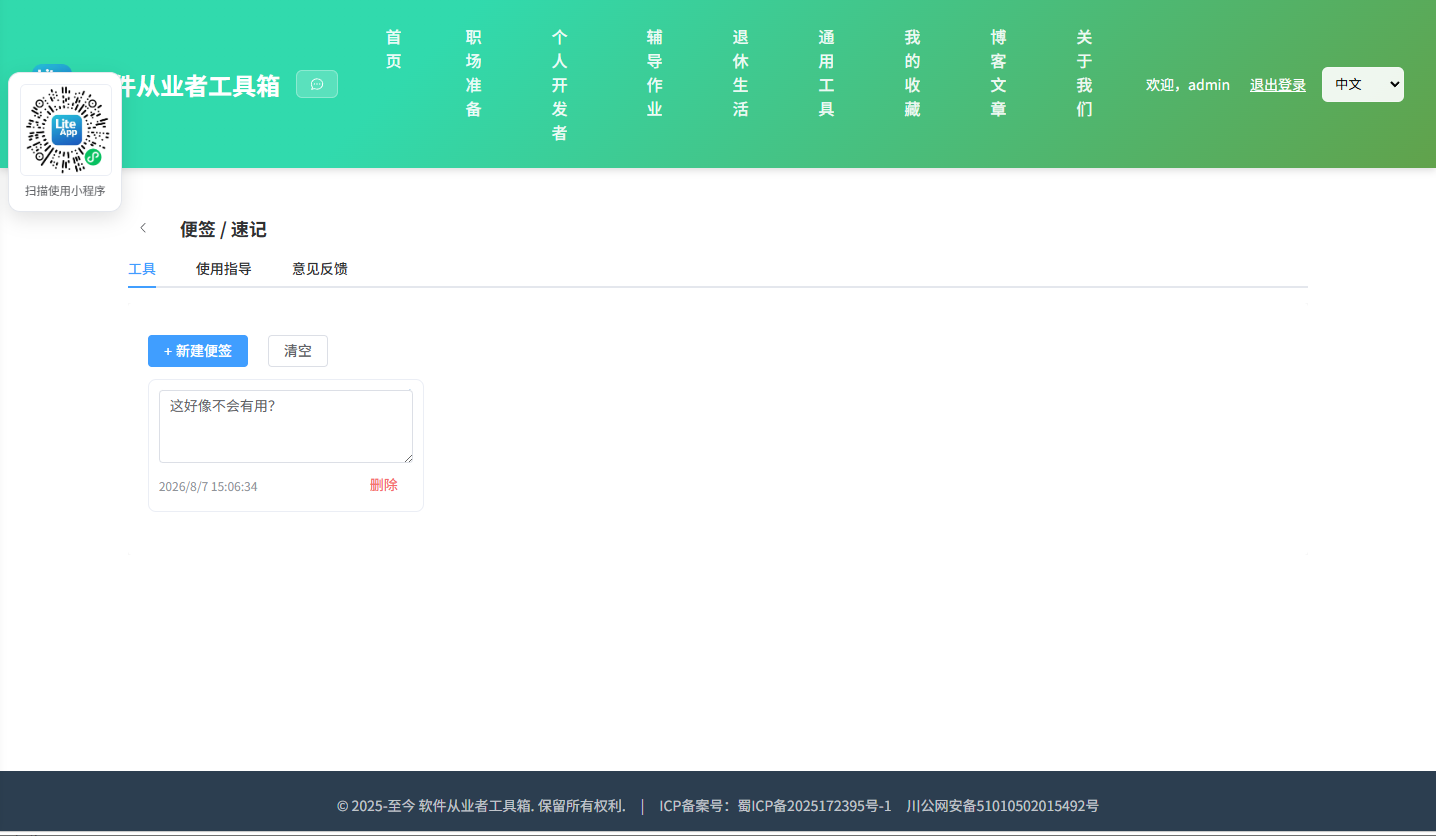
本地随手记录多条便签,自动保存到浏览器(localStorage),可增删与编辑。数据仅存于本机。
使用场景
临时备忘、灵感速记。
2.2 代码实现
2.2.1 组件结构
本工具是一个基于 Vue 3 <script setup> 语法的单文件组件(SFC),统一包裹在 ToolPageShell 组件内,由它提供页面标题、工具 ID、分类与「使用指南」插槽等通用外壳;核心业务逻辑(响应式状态、计算属性、事件处理函数)全部写在 <script setup> 中,输入/输出通过 el-input、el-button 等 Element Plus 组件与用户交互,所有数据均在浏览器本地处理,不会上传服务器。
2.2.2 核心逻辑概览
<script setup> 中定义的主要函数/方法:
save()add()del()clearAll()
2.2.3 关键实现代码
以下是该工具的完整 <script setup> 实现(核心代码)。模板(<template>)与样式(<style>)已省略。
vue
import { ref, onMounted } from 'vue'
import ToolPageShell from '@/components/ToolPageShell.vue'

const KEY = 'apphome_sticky_notes'
const notes = ref([])

onMounted(() => {
  try { notes.value = JSON.parse(localStorage.getItem(KEY) || '[]') } catch { notes.value = [] }
})
function save() { localStorage.setItem(KEY, JSON.stringify(notes.value)) }
function add() {
  notes.value.unshift({ id: Date.now(), text: '', time: new Date().toLocaleString() })
  save()
}
function del(id) { notes.value = notes.value.filter(n => n.id !== id); save() }
function clearAll() { notes.value = []; save() }
2.3 效果截图